
IPVanish VPN: Fast & Secure
IPVanish VPNTools
4.46.83K Reviews
- Version
- Varies With Device
- Installs
- 10.00M
- Age Rating
- Everyone
Screenshots
Our Review of IPVanish VPN: Fast & Secure
 Analysis by Appyee
When it comes to keeping your online activities under wraps, IPVanish: VPN Location Changer is a name that pops up quite frequently. So, I decided to give it a whirl and see if it lives up to its reputation. Spoiler alert: It does!
Getting Started with IPVanish
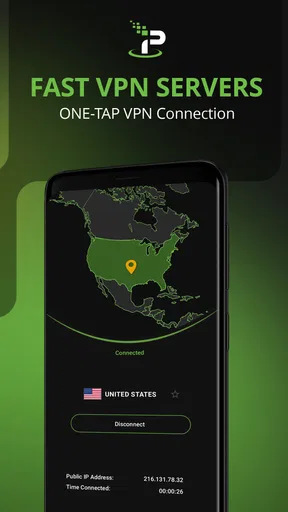
First things first, downloading and installing IPVanish: VPN Location Changer was a breeze. Available on both Android and iOS, you’re just a few taps away from securing your internet connection. Once installed, the app greets you with a user-friendly interface that even a newbie could navigate without breaking a sweat.
The login process is straightforward. If you already have an account, just punch in your credentials and you’re good to go. For first-timers, signing up takes just a couple of minutes. One thing I noticed right off the bat is how clean and intuitive the design is—not too cluttered, and everything is exactly where you’d expect it to be.
Features That Stand Out
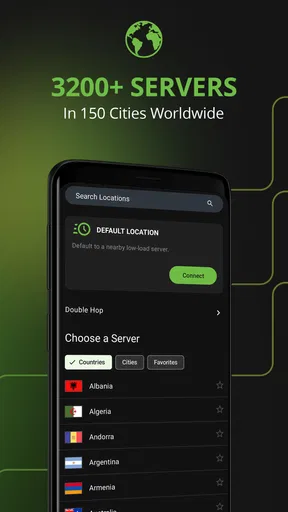
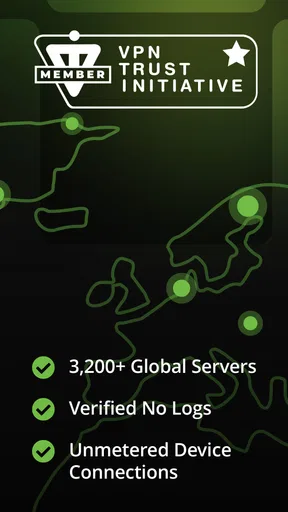
What really caught my eye was the sheer number of servers IPVanish offers. We’re talking over 1,600 servers in 75+ locations! Whether you want to appear as if you’re surfing the web from Paris, Tokyo, or New York, you’ve got options galore. This is a big deal for anyone looking to bypass geo-restrictions on streaming platforms.
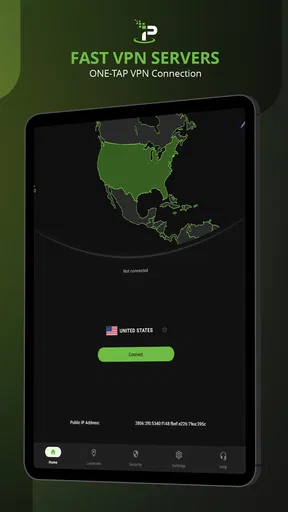
Another nifty feature is the app’s ability to automatically select the best server for your location. This means you get optimal speed and performance without having to fiddle around with settings. But if you’re someone who likes to have control, you can manually choose your server too.
Performance and Speed
Now, let’s talk speed. VPNs have a notorious reputation for slowing down your internet connection, but IPVanish pleasantly surprised me. I tested it on various networks, and while there was a slight dip in speed (as expected with any VPN), it wasn’t enough to disrupt my Netflix binge or online gaming session.
Streaming was smooth, with no noticeable buffering, and my games ran as if I wasn’t even connected to a VPN. It’s safe to say that IPVanish delivers on its promise of fast and reliable service.
Security and Privacy
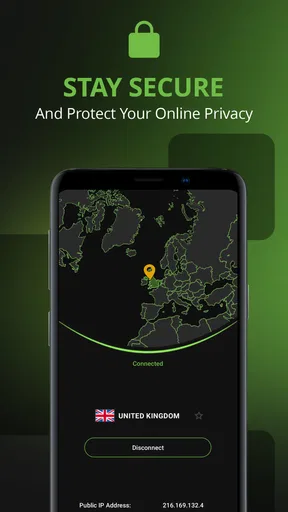
Security is where IPVanish truly shines. The app uses military-grade encryption to keep your data safe from prying eyes. Plus, it has a strict no-logs policy, meaning they don’t track or store your online activities. This is a huge plus for privacy-conscious users.
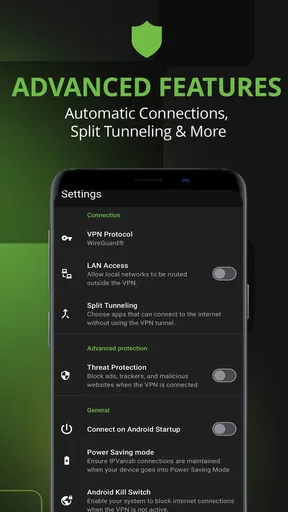
There’s also a nifty feature called the "kill switch," which automatically disconnects your internet if your VPN connection drops. This ensures that your real IP address isn’t accidentally exposed. Trust me, this is a lifesaver if you’re doing something sensitive online.
User Experience
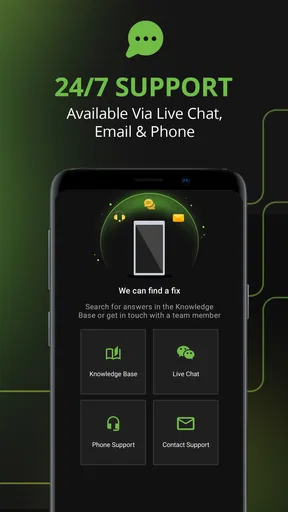
Overall, using IPVanish was a seamless experience. The app didn’t crash once, and switching between different servers was quick and easy. I also appreciated the customer support available right within the app. Whether through live chat or email, getting help is just a tap away.
"IPVanish is like a digital passport, letting you roam the internet freely without borders."
One minor gripe? The app could do with a few more customization options for the more tech-savvy users out there. But for everyday use, it ticks all the right boxes.
Final Thoughts
So, is IPVanish: VPN Location Changer worth your time and money? Absolutely. With its robust features, impressive speed, and top-notch security, it’s a solid choice for anyone looking to protect their online privacy and access content from around the world.
Whether you’re a VPN veteran or a complete newbie, IPVanish offers a reliable service that’s hard to beat. So go ahead, give it a try, and enjoy surfing the web with peace of mind.
Verdict
Strengths of IPVanish VPN: Fast & Secure
- Fast connection speeds across servers.
- User-friendly interface for easy navigation.
- Supports unlimited device connections.
- Strong encryption ensures data privacy.
- Wide range of global server locations.
Limitations of IPVanish VPN: Fast & Secure
- No free version available for testing.
- Customer support can be slow at times.
- Occasional connection drops reported.
- Interface lacks advanced customization.
- Limited features on mobile version.
Similar Picks in This Category
View All
Google LLC4.0

Gboard - the Google Keyboard
Google LLC4.5

Google Play services
Google LLC4.3

Google Play Store
Google LLC4.9

Files by Google
Google LLC4.5

SHAREit: Transfer, Share Files
Smart Media4U Technology Pte.Ltd.4.3
Frequently Asked Questions
What is IPVanish and how does it work?
IPVanish is a VPN (Virtual Private Network) service that allows users to secure their internet connection by encrypting data and changing their IP address. This ensures privacy and anonymity online, making it difficult for third parties to track your online activities. It’s particularly useful for accessing geo-restricted content and securing public Wi-Fi connections.
Is IPVanish available for both Android and iOS devices?
Yes, IPVanish is available for both Android and iOS devices. The app can be downloaded from the Google Play Store for Android users and the Apple App Store for iOS users. It provides a user-friendly interface on both platforms, making it easy to connect to a VPN server with just a few taps.
Does IPVanish log user data?
IPVanish has a strict no-logs policy, meaning it does not track or store your browsing activities or connection logs. This commitment to user privacy is one of its key features and assures users that their online activities remain private and secure from third-party surveillance.
How many devices can I connect to IPVanish simultaneously?
IPVanish allows you to connect an unlimited number of devices simultaneously on a single subscription. This means you can protect all your devices at once, whether they are smartphones, tablets, or computers, providing comprehensive security for your entire digital life.
What should I do if I experience connection issues with IPVanish?
If you experience connection issues with IPVanish, try switching to a different server location or protocol within the app. Ensure your internet connection is stable, and check for any app updates. For persistent issues, IPVanish provides customer support via live chat and email to assist with troubleshooting.
